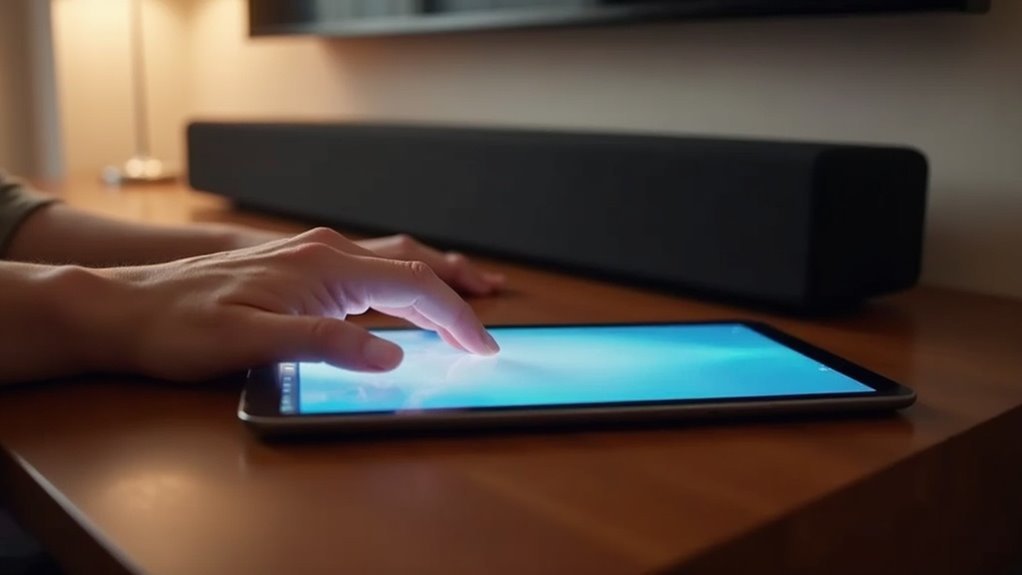
To pair your tablet with a soundbar, start by activating Bluetooth mode on the soundbar—either using the remote or the source button. Next, turn on Bluetooth in your tablet’s settings and ensure they’re within 3–10 feet of each other. Search for the soundbar in the list of devices and select it to pair. Listen for a confirmation tone from the soundbar, and adjust your tablet’s audio output to enjoy seamless sound. Explore more tips on our website specifically designed for soundbars to troubleshoot any pairing issues you might encounter!
Key Takeaways
- Activate Bluetooth mode on the soundbar using the remote or soundbar buttons until the Bluetooth symbol appears.
- Ensure Bluetooth is turned on in the tablet’s settings and that it is updated for compatibility with soundbars.
- Keep the tablet within 3–10 feet of the soundbar during the pairing process for optimal connectivity.
- Search for the soundbar in the tablet’s available Bluetooth devices and select it to pair.
- Listen for a confirmation tone from the soundbar to verify a successful connection.
Activating Bluetooth Mode on Your Soundbar
To get your soundbar ready for pairing, you first need to activate its Bluetooth mode. You can do this by pressing the Bluetooth button on the remote or tapping the Input or Source button until you see BT or a Bluetooth symbol.
If you don’t have the remote, hold down the Source button on the soundbar until it displays BT PAIRING. Once activated, the soundbar will usually confirm with a light or tone.
Keep it in Bluetooth mode to automatically reconnect with previous devices. Remember, if it times out after two minutes, you’ll need to re-enter Bluetooth mode to connect again.
Preparing Your Tablet for Bluetooth Connection
Before you start the pairing process, it’s essential to ensure your soundbar is ready for a Bluetooth connection with your tablet.
First, verify that Bluetooth is turned on by accessing the Settings menu on your tablet and selecting Bluetooth options.
Keep your tablet within 3–10 feet of the soundbar for optimal connectivity.
Make sure the soundbar is powered on and set to Bluetooth mode, which is typically indicated by a Bluetooth symbol or display message.
If necessary, clear any previously paired devices from the soundbar to avoid connection issues.
Finally, check that your tablet’s software is up to date to prevent compatibility problems when connecting to your soundbar.
Pairing Your Tablet With the Soundbar
Pairing your tablet with the soundbar is a simple yet effective way to elevate your audio experience.
To begin, ensure that the soundbar is powered on and press the Bluetooth button until the Bluetooth symbol is displayed.
Next, on your tablet, navigate to the settings menu and enable Bluetooth.
Search for your soundbar in the list of available Bluetooth devices, which will typically be named something like “TCL SBXXXX,” and select it to start the pairing process.
If you encounter any difficulties, make sure your tablet is within 3–10 feet of the soundbar.
You may also want to restart both devices or clear any previous pairings to establish a successful connection.
Enjoy the enhanced sound quality that your soundbar provides!
Confirming the Bluetooth Connection
To ensure that your tablet is successfully connected to the soundbar, listen for a confirmation tone or check for an indicator light on the soundbar after pairing. Make sure that both devices are in pairing mode and that Bluetooth is enabled. For additional verification, adjust your tablet’s audio output to the soundbar in the Bluetooth settings. Playing audio is a good test; if you hear sound from the soundbar, the connection is successful. If there’s no sound, look for connection notifications or error messages on your tablet to troubleshoot.
| Action | Checkpoint | Result |
|---|---|---|
| Pairing Mode | Soundbar light/tone | Connection confirmed |
| Audio Output | Tablet Bluetooth settings | Sound from soundbar |
| Device Recognition | Notifications on tablet | Success/Error |
| Automatic Reconnect | Both devices Bluetooth enabled | Ready to use |
Troubleshooting Common Pairing Issues
When you encounter issues while trying to pair your soundbar with a tablet, there are several steps you can take to troubleshoot the problem effectively.
First, verify that your soundbar is in Bluetooth mode by pressing the Source button until the display shows BT READY.
If pairing fails, restart both the soundbar and the tablet to refresh their connections.
Clear any previously paired devices by holding the Source button for at least 5 seconds.
Ensure that the tablet’s Bluetooth is enabled and that it’s within 3–10 feet of the soundbar.
If issues persist, check for software updates for both devices or consider resetting the soundbar to factory settings.







