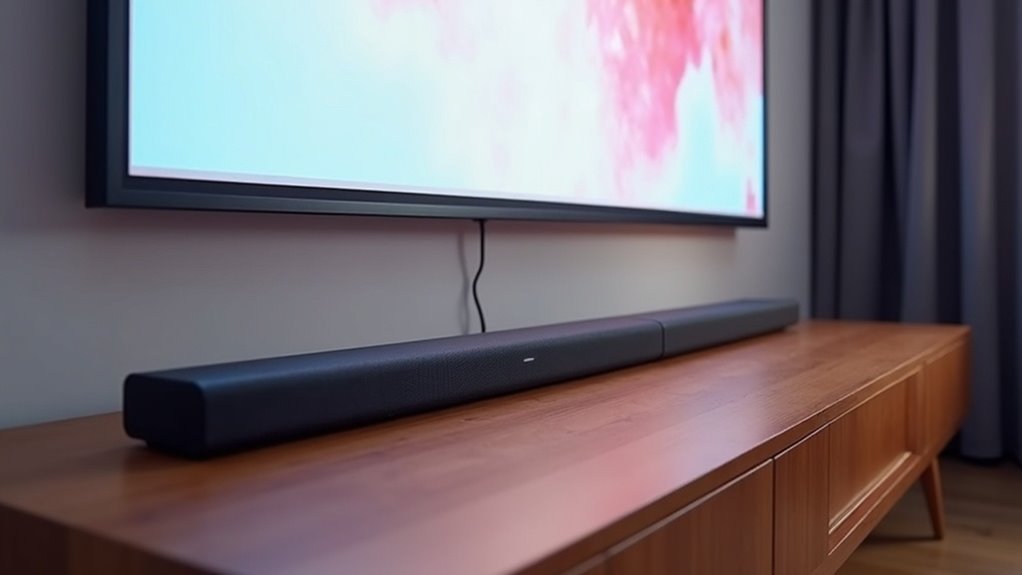
Yes, soundbars are compatible with projectors that lack an audio return channel (ARC). You can connect them using various methods, such as HDMI, optical cables, analog connections, or Bluetooth. For HDMI, connect the projector’s HDMI OUT to the soundbar’s HDMI IN. Optical and analog connections can also provide clear audio. Bluetooth is another option, though it may introduce some latency. Explore our website for more information on optimizing your soundbar setup with projectors!
Key Takeaways
- Soundbars can connect to projectors even without an audio return channel (ARC) using HDMI, optical, or analog connections.
- HDMI connections allow for clear audio transmission if the projector has HDMI OUT and the soundbar has HDMI IN.
- Optical connections provide high-quality audio and can be used if both devices have compatible optical ports.
- Analog connections, such as 3.5mm or RCA, are available but may compromise audio quality compared to digital options.
- Bluetooth offers a wireless option, but may introduce latency that causes a delay between video and sound.
Options for Connecting a Soundbar to a Projector
When connecting a soundbar to a projector, there are several effective options available that cater to different setups and equipment capabilities.
For projectors without audio return, you can utilize HDMI IN and OUT ports for seamless audio transmission between devices.
For superior sound quality, consider using an optical audio cable, which ensures clear audio without interference.
If your projector features a 3.5mm audio output, you can connect it to the soundbar’s auxiliary input, though this may result in a compromise in sound quality.
Additionally, if both the soundbar and projector support it, Bluetooth offers a convenient wireless connection; however, be cautious of potential latency issues that might disrupt audio synchronization.
How to Connect a Soundbar to a Projector With HDMI
Connecting a soundbar to a projector via HDMI can significantly enhance your audio experience, provided both devices are compatible.
First, ensure your soundbar features an HDMI IN port and that the projector has an HDMI OUT port. Use a high-quality HDMI cable to link the soundbar’s HDMI OUT to the projector’s HDMI IN for optimal audio transmission.
Ensure your soundbar has an HDMI IN port and the projector an HDMI OUT port for seamless audio connection.
If your projector lacks HDMI ARC (Audio Return Channel), connect your source device directly to the soundbar’s HDMI IN, then link the soundbar to the projector.
In cases where HDMI ARC isn’t available, utilize the projector’s audio output for sound.
Always refer to the user manuals of both devices for compatibility details and audio output settings to ensure the best performance.
How to Connect a Soundbar to a Projector With Optical or SPDIF
Optical audio connections provide a reliable alternative for linking a soundbar to a projector when HDMI ARC isn’t available.
To connect your soundbar, first confirm that both the soundbar and projector have compatible optical ports. Power off each device for safety, then connect an optical audio cable between them.
Once connected, power on both devices and navigate to your projector’s audio output settings to select optical. This ensures high-quality audio is directed through your soundbar.
If there’s no optical port available, you can also use a 3.5mm audio cable or RCA cables to connect, but keep in mind that these analog audio connections may offer lower audio quality compared to digital options.
Enjoy an enhanced audio experience with your soundbar!
How to Connect a Soundbar to a Projector Using an Analog Connection
To successfully connect a soundbar to a projector using an analog connection, it’s essential to ensure that both devices have compatible audio ports, such as a 3.5mm audio jack or RCA inputs.
For a 3.5mm connection, simply plug one end of the audio cable into the projector’s audio out port and the other end into the soundbar’s auxiliary input.
If using RCA inputs, connect the red and white audio outputs from the projector to the corresponding inputs on the soundbar.
Keep in mind that analog connections typically deliver stereo audio, which may not provide the same high-quality sound as digital options like HDMI or optical connections.
Connect Projector to Soundbar via Bluetooth
If your soundbar supports Bluetooth, connecting it to a compatible projector can significantly enhance your audio experience by eliminating cable clutter.
Begin by enabling the soundbar’s pairing mode, then use the projector to search for available Bluetooth devices to establish the connection.
Be aware that Bluetooth audio may introduce some latency, which could result in a slight delay between the video and sound.
Bluetooth audio can introduce latency, potentially causing a slight delay between video and sound.
For optimal performance, keep the soundbar and projector within close proximity to reduce any connectivity issues.
Always consult the user manuals for detailed pairing instructions and compatibility information to ensure high audio quality and seamless operation.







