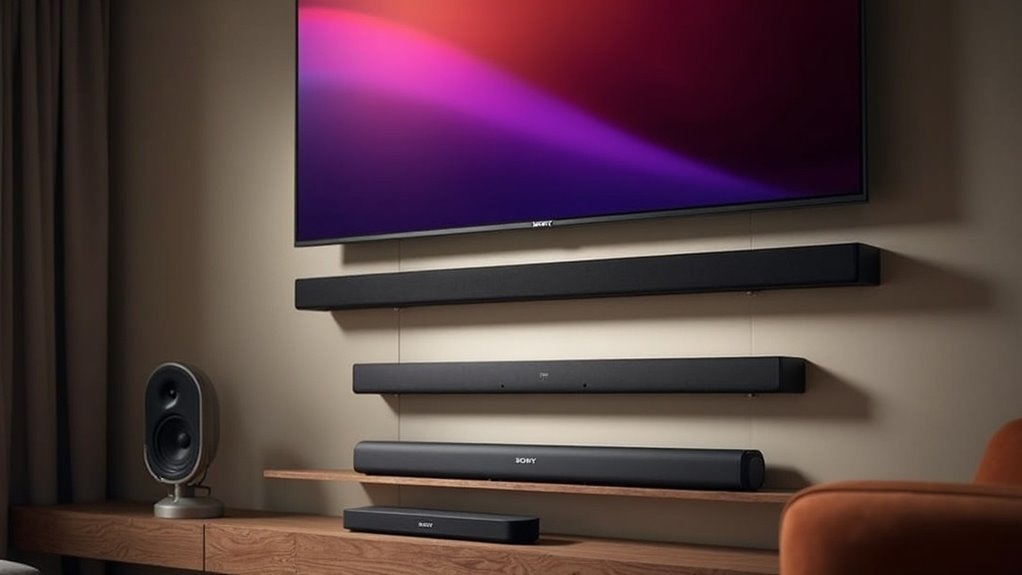
If you’re looking for soundbars that support eARC on Sony TVs, consider options like the Sony BRAVIA Theater Bar 8 and 9, as well as the HT-ST5000 and HT-ZF9. These models guarantee high-quality audio performance and seamless integration with your TV. You’ll benefit from simplified setup and fantastic sound. For those seeking to enhance their audio experience, exploring setup tips and user reviews can provide valuable insights into getting the most out of your soundbar.
Key Takeaways
- The Sony BRAVIA Theater Bar 8 offers seamless integration and eARC support for enhanced audio quality, making it an excellent choice for soundbar enthusiasts.
- The Sony BRAVIA Theater Bar 9 is compatible with high-quality audio formats using eARC technology, delivering an immersive sound experience for your home setup.
- The HT-ST5000 soundbar is designed to elevate home theater audio and supports eARC connectivity, ensuring optimal sound performance.
- The HT-ZF9 provides excellent audio performance with eARC compatibility, perfect for enhancing the audio experience with Sony TVs.
- The STR-DH790 and STR-DN1080 AV receivers also feature eARC for flexible audio setups, catering to those who prefer a more expansive soundbar experience with their Sony televisions.
Overview of Earc Technology
When you connect your Sony TV to a soundbar, understanding Enhanced Audio Return Channel (eARC) technology can significantly enhance your audio experience.
eARC, part of the HDMI 2.1 specification, allows high bitrate audio formats like Dolby Atmos and DTS:X to flow seamlessly from your TV to your soundbar. This technology supports automatic device detection, simplifying setup by routing audio directly through the soundbar connected to the TV.
Additionally, eARC enables features like HDMI-CEC, which can automatically switch between devices for added convenience. By using compatible Sony soundbars, you can fully leverage the benefits of eARC, ensuring an immersive audio experience that truly complements your home entertainment setup.
Top Soundbars Compatible With Sony TVS
If you’re looking to enhance your audio experience with a Sony TV, selecting a soundbar that supports eARC is crucial.
The Sony BRAVIA Theater Bar 8 and Bar 9 stand out as top choices, offering seamless integration with your Sony TV and supporting high-quality audio formats like Dolby Atmos.
Other excellent compatible options include the HT-ST5000, HT-ZF9, and HT-XF9000, all designed to elevate your home theater system’s audio quality.
Additionally, the STR-DH790 and STR-DN1080 AV receivers also feature eARC, providing extra flexibility for your setup.
With eARC, you can easily connect your Blu-ray player via HDMI, ensuring an optimized surround sound experience without sacrificing wireless convenience.
Benefits of Using Earc With Soundbars
Using eARC with soundbars offers a multitude of advantages that significantly elevate your audio experience.
This advanced technology supports high bitrate audio formats, including Dolby Atmos, ensuring exceptional sound quality for a fully immersive listening experience.
eARC simplifies your setup by allowing a single HDMI connection, which minimizes cable clutter while effectively transmitting both audio and video signals.
Additionally, it features automatic device detection, enabling smooth transitions between different sources without the need for manual input adjustments.
When used with compatible TVs, eARC enhances audio performance by utilizing HDMI-CEC for automated input switching, ultimately making your home entertainment system more convenient and enjoyable.
Setup and Connectivity Guide
Setting up your soundbar with eARC support on a Sony TV can significantly enhance your audio experience.
Begin by connecting the soundbar’s HDMI eARC port to the TV’s HDMI eARC port using an HDMI 2.0b or higher cable for optimal performance.
After that, adjust the sound settings on your TV to recognize the soundbar, and ensure that HDMI-CEC is enabled to allow for automatic device switching.
For additional devices such as a Blu-ray player, connect them through the soundbar’s HDMI IN port using Premium Certified cables.
Pay attention to startup sequences for improved connectivity, and consider using HDMI switches for additional ports to streamline input management.
User Experiences and Recommendations
Many users have shared valuable insights regarding their experiences with eARC-supported soundbars on Sony TVs. While some appreciate the audio quality, many report issues with the auto-detection features of their soundbars, often needing to manually switch inputs.
To enhance connectivity, users recommend connecting devices directly to the TV instead of the soundbar to help avoid audio sync problems. HDMI switches are frequently suggested for efficiently managing multiple devices.
Additionally, adjusting settings on both the soundbar and TV can improve the reliability of auto-switching. Reading user manuals for specific configurations is essential to optimizing your eARC setup and ensuring the best audio experience with your soundbar.







