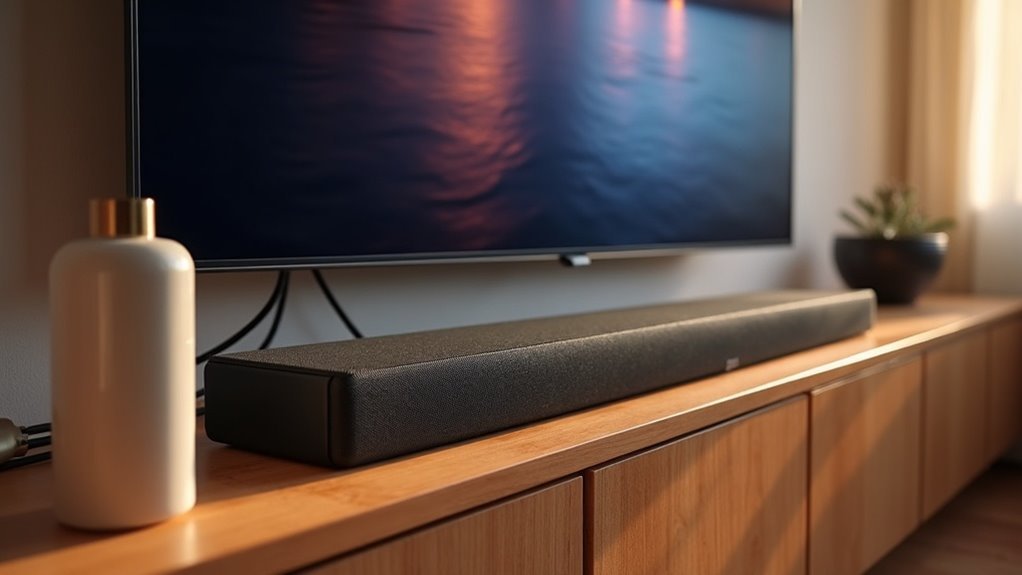
Samsung offers several soundbars that support eARC, ensuring you enjoy exceptional audio quality from your TV. Models such as the Q990C, S800B, and Q800B are engineered for high-definition audio, compatible with formats like Dolby Atmos. To optimize your audio setup, it’s essential to use compatible HDMI cables and enable settings such as Anynet+ and HDMI eARC Mode. Explore the unique features of each soundbar model to elevate your home theater experience even further.
Key Takeaways
- Samsung soundbars that support eARC include models Q990C, S800B, and G60C from 2023, as well as Q990B and Q800B from 2022.
- eARC allows for high-quality audio transmission without compression, enhancing overall sound clarity and experience, making it ideal for soundbars.
- Compatible Samsung TVs can utilize eARC for superior audio formats like Dolby Atmos and DTS:X, providing an immersive sound experience with your soundbar.
- To set up eARC with your soundbar, activate Anynet+ and HDMI eARC Mode in the TV settings, and connect the soundbar using an eARC-compatible HDMI cable.
- Recommended soundbars for Samsung TVs include Q990C, Q800B, HW-Q900A, Q950A, and Q70T, all designed to enhance your home theater system.
Samsung Products That Support Earc
If you’re looking to enhance your audio experience with eARC technology, Samsung offers an impressive lineup of soundbars that support this feature.
The Q990C, S800B, and G60C from 2023, as well as the Q990B and Q800B from 2022, utilize HDMI to deliver high-quality audio signals, ensuring that streaming content sounds incredible.
When paired with compatible Samsung TVs, these soundbars provide superior sound quality, allowing you to fully immerse yourself in your favorite movies and shows.
Experience immersive sound quality by pairing these soundbars with compatible Samsung TVs for your favorite movies and shows.
Upgrade your audio setup today for an unparalleled listening experience.
Differences Between HDMI ARC and Earc
While both HDMI ARC (Audio Return Channel) and eARC (Enhanced Audio Return Channel) help streamline audio connections between soundbars and other devices, their differences significantly enhance your audio experience.
eARC transmits audio in its original resolution without compression, ensuring that your soundbar delivers the highest quality sound, unlike ARC, which may compress audio and reduce its clarity.
Furthermore, eARC supports a broader array of high-definition audio formats, including Dolby Atmos and DTS:X, improving compatibility with modern sound systems and enhancing your home theater experience.
With increased bandwidth and reduced latency, eARC is particularly advantageous for gaming and high-fidelity setups, providing a superior sound experience compared to HDMI ARC.
Set up Earc
To set up eARC on your Samsung TV for optimal soundbar performance, begin by enabling Anynet+ (HDMI-CEC) in the TV settings, which can be found under the External Device Manager. Next, ensure that the HDMI eARC Mode is activated, as it is off by default and is essential for ideal audio transmission. Connect your soundbar using an eARC-compatible HDMI cable to the eARC port on your TV. After the connection, switch the source to the TV eARC for automatic switching. Finally, review all settings to confirm that both Anynet+ and HDMI eARC Mode are correctly enabled for seamless sound integration.
| Step | Action |
|---|---|
| Enable Anynet+ | Go to External Device Manager settings |
| Activate HDMI eARC Mode | Verify it’s turned on |
| Connect Soundbar | Use an eARC-compatible HDMI cable |
| Confirm Settings | Check all devices are eARC compatible |
Recommended Soundbar Models
When selecting a soundbar to pair with your Samsung TV, several models stand out for their eARC compatibility and superior audio performance.
The Samsung Q990C offers immersive audio with its 11.1.4 channel setup, while the Q800B soundbar delivers high-quality sound through side and top-firing speakers.
For exceptional surround sound, consider the HW-Q900A or the versatile Q950A soundbar, both designed to elevate your viewing experience.
The Q70T soundbar remains a solid choice, providing eARC compatibility and transmitting high-resolution audio signals.
Each of these soundbar models enhances your entertainment setup notably, making them excellent choices for any home theater system.
Contact Samsung Support
If you’re setting up your new soundbar with your Samsung TV and encounter any issues, reaching out to Samsung Support can be incredibly helpful. They provide various contact options for expert assistance on eARC setups and soundbar compatibility. You can also use the Samsung Members App for convenient troubleshooting related to your soundbar. Plus, their online support chat offers real-time assistance for any soundbar inquiries. Don’t forget to check warranty information on their website, ensuring you know your rights regarding your soundbar. Your feedback on their support experience is valuable, helping to enhance future services.
| Support Method | Description | Access |
|---|---|---|
| Online Support Chat | Real-time assistance for soundbars | Samsung website |
| Samsung Members App | Mobile troubleshooting for soundbars | App Store/Google Play |
| Warranty Information | Product coverage details for soundbars | Support website |
| Expert Help Contact | Direct assistance options for soundbars | Samsung website |
| Feedback Submission | Improve support services for soundbars | Online form |







