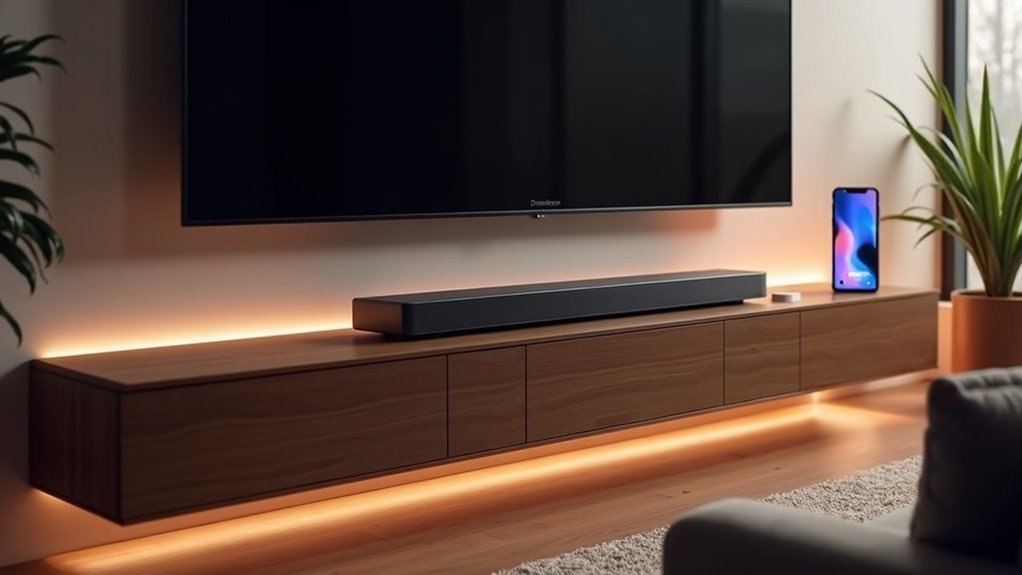
If you’re looking for soundbars that support Tidal Connect, several high-end options are available. Brands like Naim, KEF, and Bang & Olufsen, along with models such as the Sonos Arc and Denon DHT-S216, offer compatibility with Tidal Connect. To use this feature effectively, ensure that both your soundbar and mobile device are connected to the same Wi-Fi network. For a broader selection and the latest updates on compatible soundbars, visit Tidal’s device search page for more helpful information.
Key Takeaways
- Tidal Connect supports soundbars from brands like Naim, KEF, and Bang & Olufsen.
- Specific compatible models include Sonos Arc and Denon DHT-S216.
- Both the soundbar and mobile device must be on the same Wi-Fi network to use Tidal Connect.
- Users can visit Tidal’s device search page for the latest list of compatible soundbars.
- Compatibility with additional brands is expected to grow as demand for high-fidelity streaming increases.
Overview of Tidal Connect
Tidal Connect transforms your soundbar experience by enabling high-resolution audio streaming directly from the Tidal app to compatible soundbars over Wi-Fi, ensuring an immersive listening atmosphere.
With Tidal Connect, you can access HiFi streaming, featuring high-resolution 24-bit MQA streams and Dolby Atmos music, which deliver exceptional audio quality far superior to conventional Bluetooth and AirPlay methods.
This service streams music directly from Tidal’s servers to your soundbar, allowing for uninterrupted enjoyment without distractions from phone calls or notifications.
To begin, ensure you have a compatible Tidal subscription and a reliable Wi-Fi connection for optimal performance with supported soundbars.
Benefits of Using Tidal Connect With Soundbars
Using Tidal Connect with soundbars significantly elevates your audio experience by providing high-resolution 24-bit MQA streaming, which exceeds the quality offered by Bluetooth or AirPlay connections.
You’ll benefit from a seamless streaming experience, as compatible soundbars are easily accessible within the Tidal app, enabling straightforward selection and playback without interruptions.
This integration not only enhances sound quality but also ensures efficient battery use on your mobile devices, making it an ideal choice for soundbar enthusiasts.
Enhanced Audio Quality
When you choose a soundbar that supports Tidal Connect, you unlock the capability to stream high-resolution 24-bit MQA audio, delivering a remarkable upgrade in sound quality compared to traditional methods like Bluetooth or AirPlay.
This enhanced audio experience includes:
- Lossless Audio Streaming: Every nuance of TIDAL’s rich sound is retained, ensuring unparalleled clarity.
- Dolby Atmos Music Support: Immerse yourself in audio that surrounds you, creating a captivating listening environment.
- Direct Streaming: Enjoy uninterrupted music without distractions from phone notifications, allowing you to fully engage with your favorite tracks.
With Tidal Connect, your soundbar provides superior sound quality that significantly elevates your listening experience.
Seamless Streaming Experience
While enjoying music through your soundbar, the seamless streaming experience offered by Tidal Connect significantly elevates your listening sessions. With lossless audio and high-resolution 24-bit quality, Tidal Connect ensures superior playback through your soundbar. You have the ability to control everything directly from the Tidal app, allowing for uninterrupted enjoyment without distractions from calls or notifications. This technology supports seamless wireless streaming over Wi-Fi, providing a more reliable connection compared to Bluetooth. Furthermore, Tidal Connect allows for multi-room audio setups, enabling you to enjoy synchronized music across multiple soundbars in your home.
| Feature | Benefit | Supported Brands |
|---|---|---|
| Lossless Audio | High-resolution sound quality | Naim, KEF, Sonos |
| Direct Control | Uninterrupted playback | Various compatible models |
| Multi-Room Streaming | Synchronized music experience | Tidal Connect-compatible |
Compatible Soundbars for Tidal Connect
When you’re looking for soundbars that support Tidal Connect, consider brands like Naim, KEF, and Bang & Olufsen.
Models such as the Sonos Arc and Denon DHT-S216 make setup easy, allowing you to stream high-resolution audio seamlessly.
Ensure that both your soundbar and controlling device are connected to the same Wi-Fi network for optimal performance.
Supported Soundbar Brands
If you’re looking to enhance your audio experience with Tidal Connect, several leading soundbar brands offer compatibility to meet your needs. Here are three notable options that support high-resolution audio:
- Naim – Renowned for its premium sound quality and expert craftsmanship, perfect for audiophiles.
- Sonos – The Arc and Beam (Gen 2) provide direct access to Tidal’s extensive music library, making it easy to enjoy your favorite tracks.
- Bang & Olufsen – Known for delivering an immersive listening experience, these soundbars also feature Dolby Atmos support for a cinematic feel.
These soundbars ensure seamless streaming from Tidal’s servers, providing you with lossless audio quality while eliminating the interruptions often associated with Bluetooth connections.
Explore more compatible hardware through Tidal’s device search page to find the perfect soundbar for your audio needs.
Setup and Connectivity Guide
To set up Tidal Connect with your compatible soundbar, start by ensuring both your soundbar and mobile device running the Tidal app are connected to the same Wi-Fi network.
Next, open the Tidal app and select your soundbar from the list of Tidal Connect-enabled devices. This seamless setup allows for high-quality, lossless audio streaming in 24-bit hi-res quality, surpassing standard Bluetooth or AirPlay connections.
Remember, many modern soundbars include advanced connectivity options like HDMI eARC, Wi-Fi, and Bluetooth for enhanced audio experiences.
Regular firmware updates may also be necessary to maintain peak performance and continued support for Tidal Connect functionality.
How to Set Up Tidal Connect on Your Soundbar
Setting up Tidal Connect on your soundbar is straightforward and ensures an optimal audio experience. Follow these simple steps:
- Check Compatibility: Confirm that your soundbar is compatible with Tidal Connect and that it’s connected to the same Wi-Fi network as your smartphone or tablet.
- Download the Tidal App: Install the latest version of the Tidal app on your mobile device.
- Connect and Play: Open the Tidal app, select a track to play, tap the “Connect” icon, and choose your soundbar from the available devices.
With Tidal Connect, you can effortlessly control your music streaming on your soundbar for a seamless listening experience.
Sound Quality Comparison: Tidal Connect Vs Other Technologies
Tidal Connect stands out in the realm of soundbars, particularly when compared to alternatives like Bluetooth and AirPlay. It streams in high-resolution 24-bit MQA quality, far exceeding the 16-bit CD quality limit of its competitors.
Unlike Bluetooth, Tidal Connect doesn’t require initial pairing and maintains a stable connection, free from interruptions, which is essential for a seamless audio experience through soundbars. By streaming directly from Tidal’s servers, it avoids the compression issues associated with Bluetooth, ensuring exceptional audio quality that enhances the performance of any soundbar.
Additionally, Tidal Connect supports Dolby Atmos, offering immersive sound experiences that elevate home theater setups, making it a top choice for audiophiles seeking lossless sound quality and superior performance from their soundbars.
Troubleshooting Common Issues With Tidal Connect
When encountering issues with Tidal Connect on your soundbar, it’s crucial to ensure that both your Tidal app and the soundbar firmware are updated to the latest versions.
If you’re facing connectivity issues, try these steps to troubleshoot problems:
- Restart both the Tidal app and your soundbar to refresh connections.
- Confirm that your source device and Tidal Connect-enabled soundbar are on the same Wi-Fi network.
- If Tidal Connect doesn’t recognize your soundbar, try reconnecting your Tidal account within the app.
Consult the soundbar manufacturer’s support if issues persist, as they can provide detailed guidance tailored to your specific Tidal Connect-compatible soundbar.
Future of Tidal Connect and Supported Devices
As the demand for high-fidelity streaming continues to rise, the future of Tidal Connect looks promising, particularly for soundbars, with an expanding array of supported devices.
Currently, brands like Naim, KEF, and Cambridge Audio offer compatible soundbars, enabling you to stream high-resolution audio directly from Tidal’s servers. This integration guarantees uninterrupted playback without relying on mobile devices.
As of October 2023, more audio equipment manufacturers are adopting Tidal Connect for their soundbars, enhancing user experience. Future developments may include broader support for multiroom systems and additional brands, further increasing versatility in your home audio setup.
Check Tidal’s device search page for the latest compatible soundbar options.







